Troubleshooting
Troubleshooting
How do I find my Editor logs?
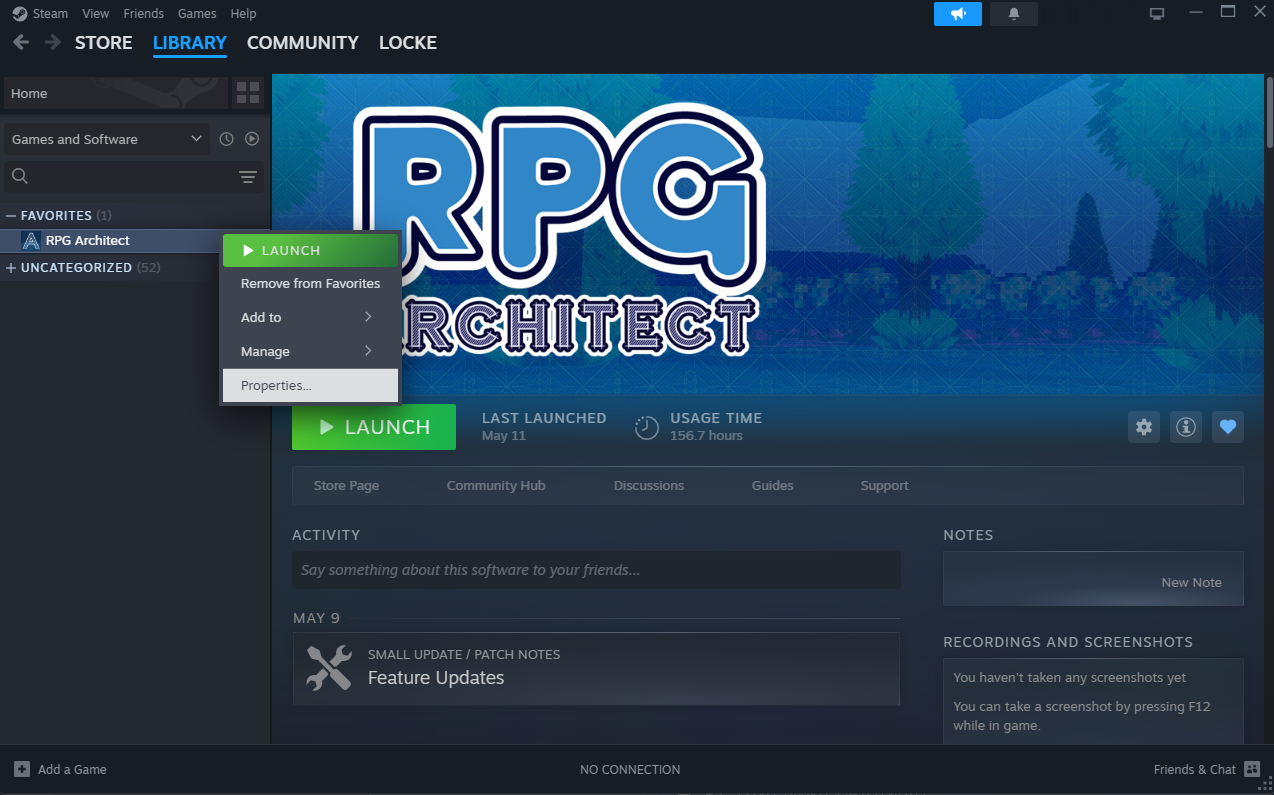
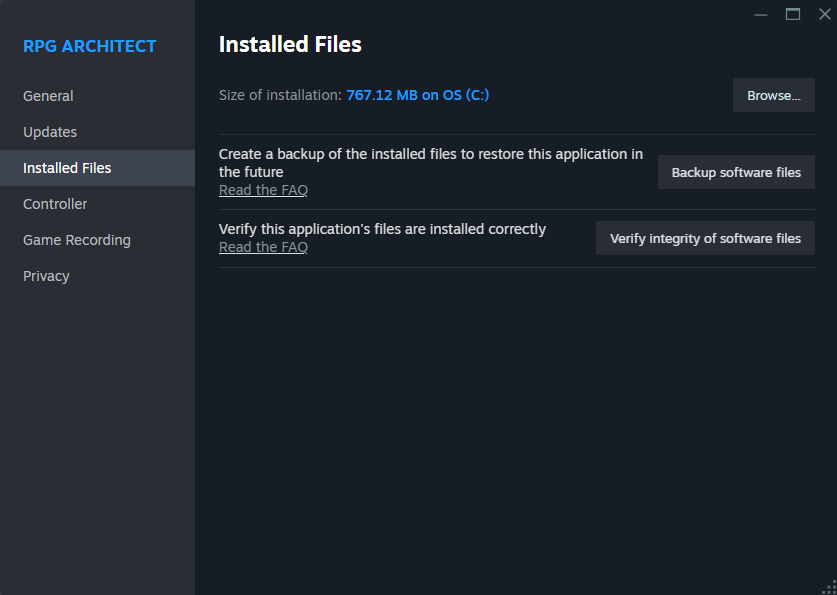
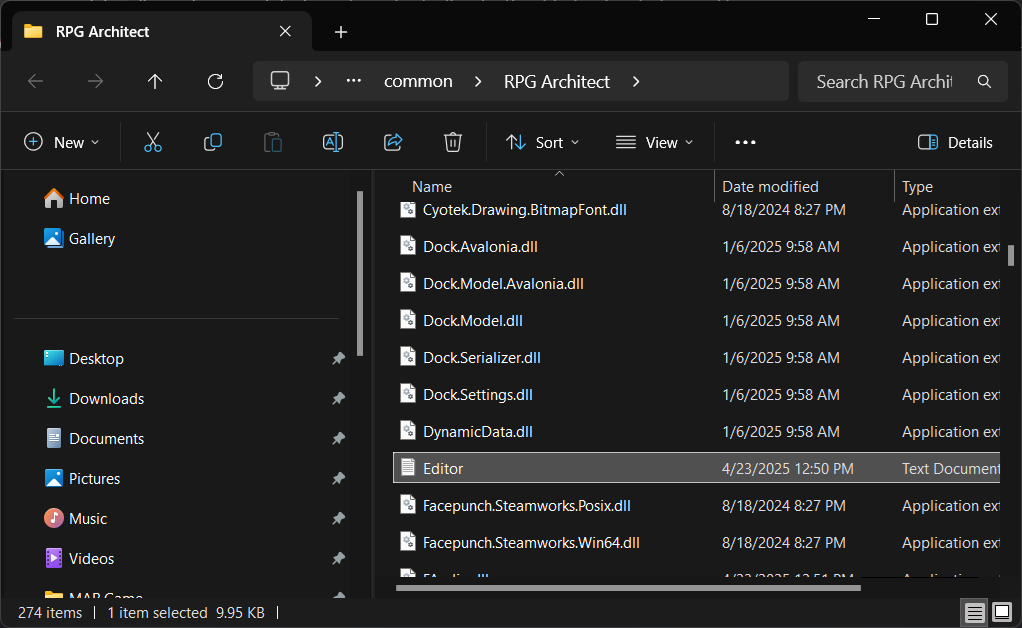
- An Editor.log will be present in the install directory for RPG Architect. You can find it by browsing to where Steam downloaded and installed RPG Architect to.
How do I find my Engine logs?
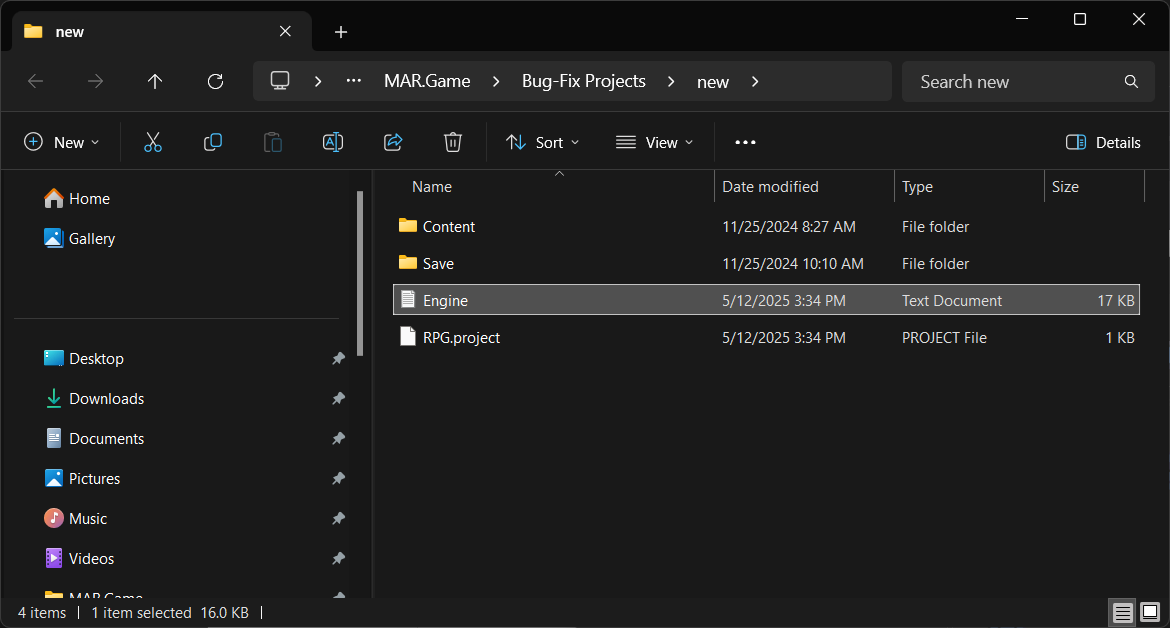
An Engine.log will be present in the root folder of your game project. It lives in the same directory as the Content folder and your project file.
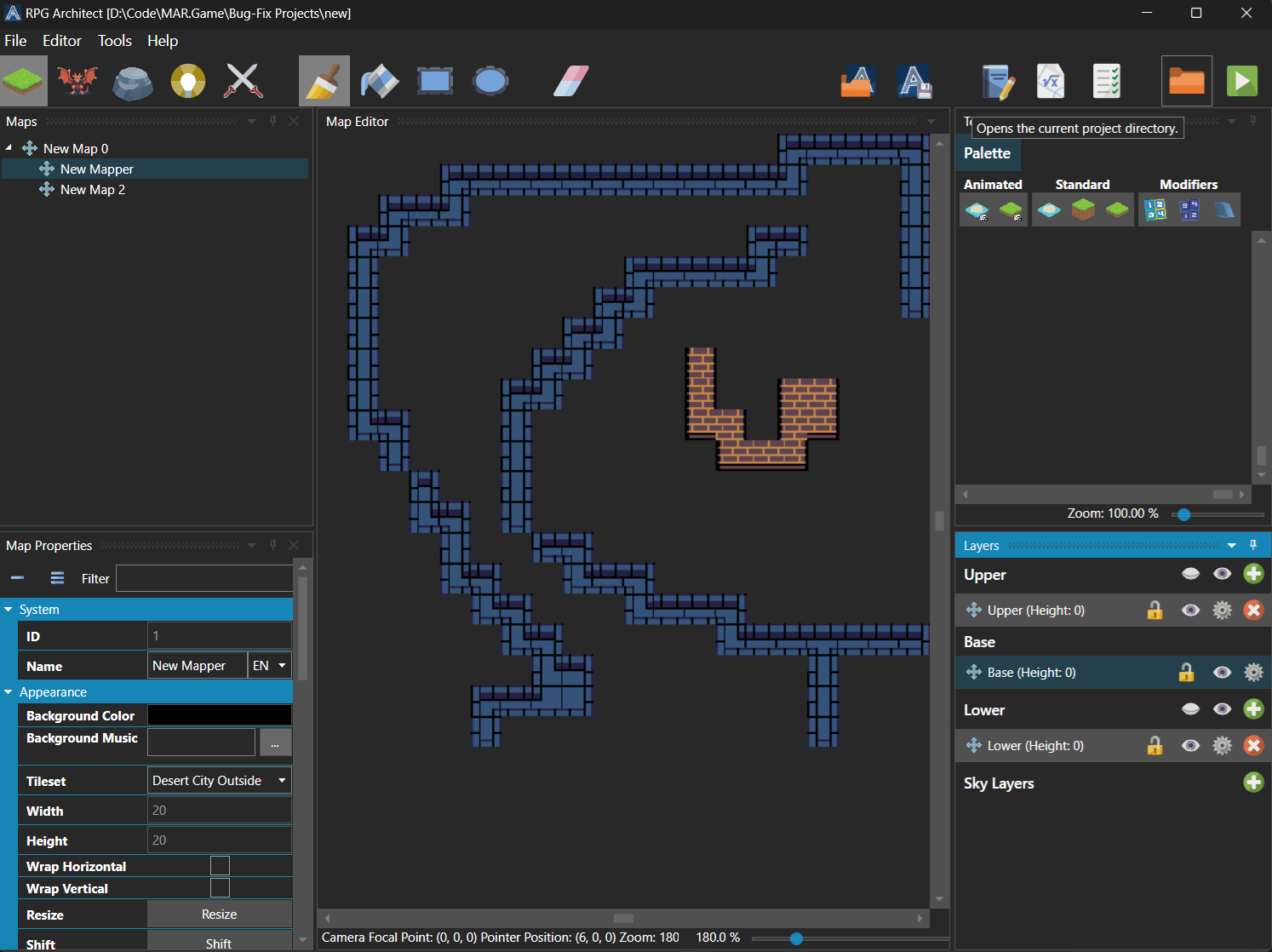
RPG Architect's editor will not load my game.
Please check for diagnostic errors that are logged to Editor.log in the RPG Architect application directory or your project root directory, alongside the RPG.project file.
RPG Architect will not run my game in test mode.
Please share a zipped copy of your project with support staff on the Discord #support channel.
RPG Architect displays a blank screen when I run my game in test mode.
By default, RPG Architect will try to render a title screen, even if no title menu has been set. You will need to either:
- Toggle the Skip Title property under Database \ System \ Title.
- Specify the Menu property under Database \ System \ Title.
RPG Architect's test mode opens and then closes.
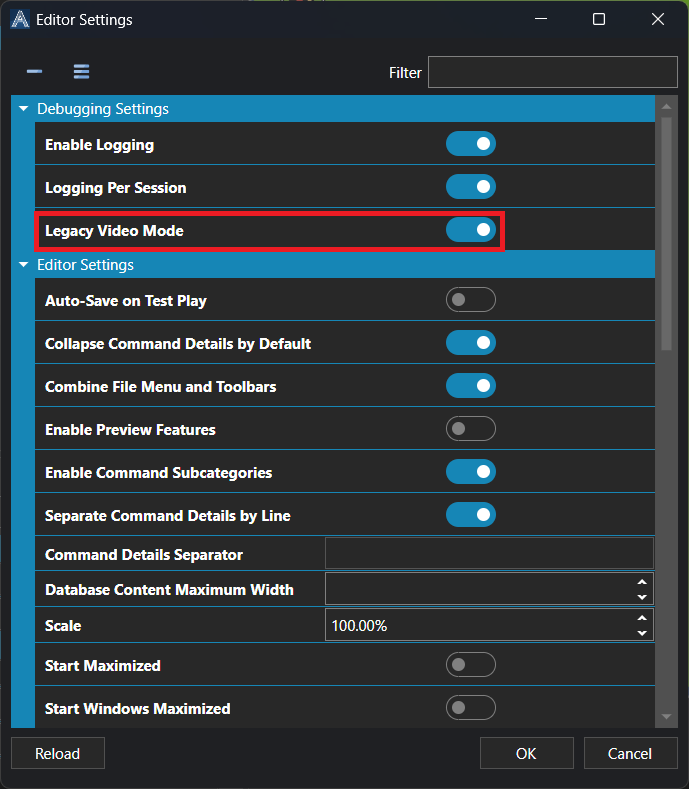
This is because RPG Architect uses Vulkan the rendering pipeline now, as the modern default of FNA and SDL. You can enable the legacy mode (Open GL) under Editor \ Editor Settings \ Edit Settings under the Debugging Settings category with the toggle Legacy Video Mode.