Configuration
Configuration
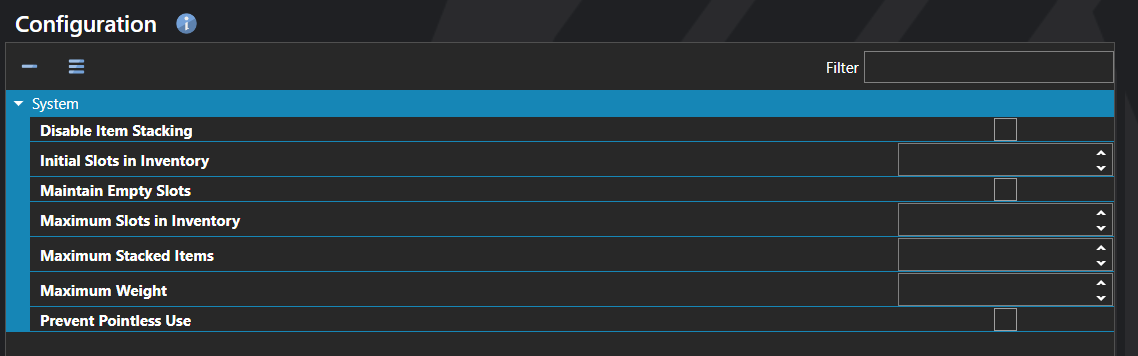
Inventory Configuration defines how the inventory works across the entire project. It controls how many slots the inventory starts with and grows to, whether items can stack and how high, the total weight the party can carry, and whether items the player tries to use without a meaningful effect are blocked at the menu.
The settings here are the project-wide defaults that apply to every inventory unless an individual Item Type or item overrides them. Most projects configure these once early in development to lock in how inventory management feels.
Properties
System
| Name | Explanation | Type |
|---|---|---|
| Disable Item Stacking | Disables multiple items from occupying a slot in the inventory. | Toggle |
| Initial Slots in Inventory | The number of starting item slots in the inventory. | Number |
| Maintain Empty Slots | Whether slots are preserved in the inventory when they become empty. | Toggle |
| Maximum Slots in Inventory | The maximum number of inventory slots. | Number |
| Maximum Stacked Items | The maximum number of items that can occupy a slot in the inventory unless otherwise specified. | Number |
| Maximum Weight | The total weight that can be carried in the inventory. | Number |
| Prevent Pointless Use | Prevents items from being used if they do not have a meaningful effect. | Toggle |