Map Mode
Map Mode
Map Mode decides what the map editor is working on. It is chosen from the first toolbar and it changes more than anything else in the editor: what the map responds to, which drawing tools the second toolbar offers, and what the Tools pane contains.
Every mode and its shortcut is listed on Map Editor.
Drawing tools by mode. The second toolbar is rebuilt whenever the mode changes, and three modes have no drawing tools at all.
| Mode | Drawing tools |
|---|---|
| Tile | Brush, Fill, Rectangle, Ellipse, and an eraser |
| Doodad | Brush and an eraser |
| Prefab | Brush and an eraser |
| Fence | None |
| Entity | None |
| Lighting | None |
| Battles | Focal Point and Region, with no eraser |
Tools pane by mode. The pane is a different set of tabs in every mode, so the tile palette is only one of seven things it can be.
| Mode | Tabs |
|---|---|
| Tile | Palette |
| Doodad | Palette, Doodads |
| Prefab | Palette, Prefabs |
| Fence | Fences |
| Entity | Entities, Entity References, Vehicles |
| Lighting | Lights |
| Battles | Battle Focal Points, or Battle Encounter Regions |
Every mode gains one further tab, Editor, but only while something on the map is selected. It is absent in all of the screenshots below because nothing was selected when they were taken.
Tile
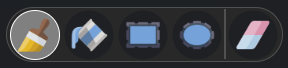
Drawing tools
Tile mode paints the map's tiles. It is the only mode with more than one drawing tool, and the only one whose Tools pane is a palette.
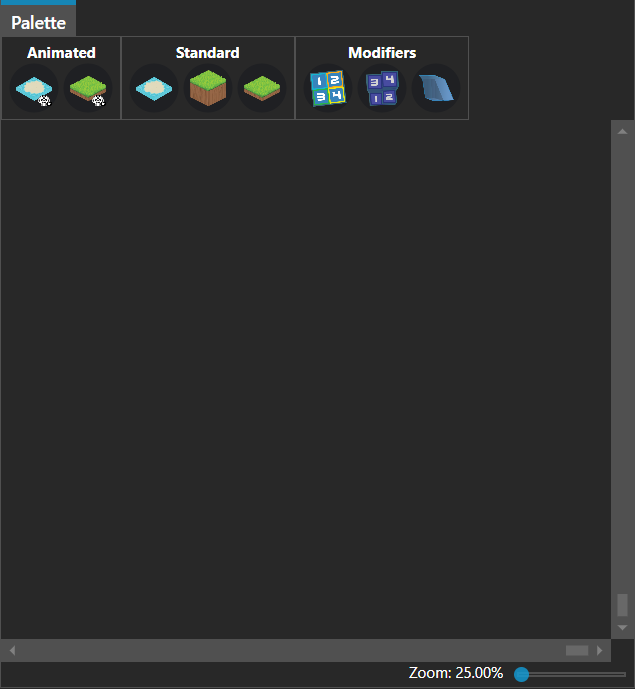
Tools pane
One tab, Palette, holding the tileset split into Animated, Standard and Modifiers — see Tilesets.
Doodad
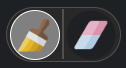
Drawing tools
Doodad mode places Doodads on the map. A brush is the only drawing tool it offers.
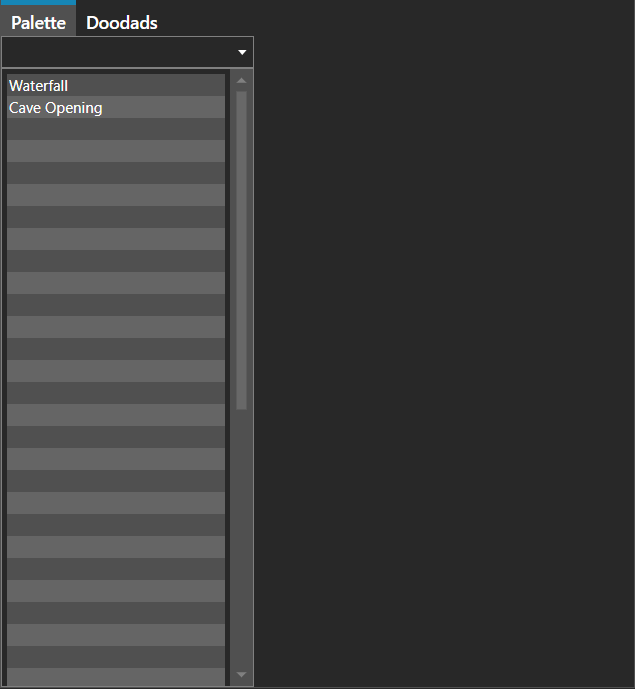
Tools pane
Palette lists the doodads available to place, and Doodads lists the ones already on the map. An Editor tab joins them once a doodad is selected.
Prefab
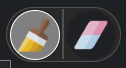
Drawing tools
Prefab mode paints Prefabs, which are reusable pieces of map built once and placed many times.
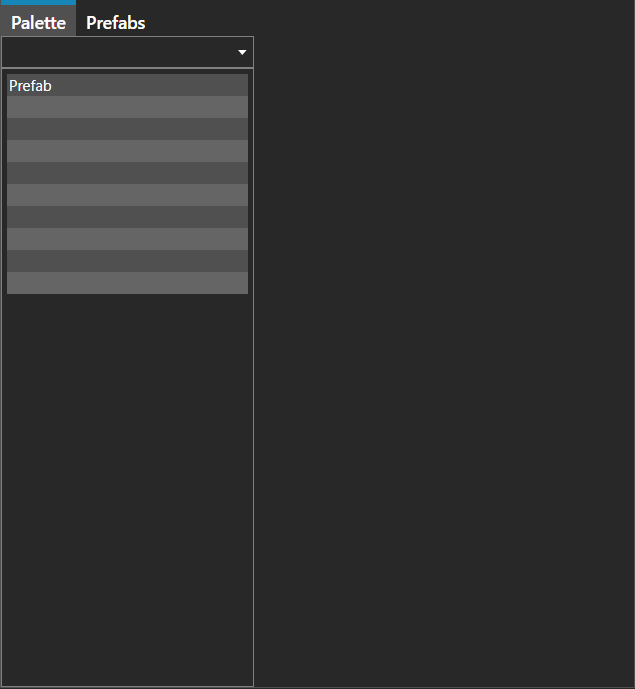
Tools pane
Palette lists the prefabs available to place, and Prefabs lists the ones already on the map. An Editor tab joins them once a prefab is selected.
Fence
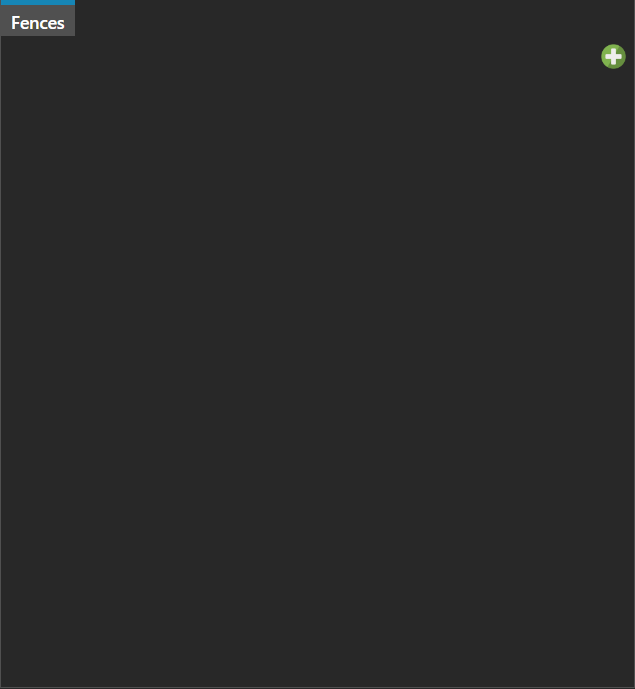
Tools pane
Fence mode draws fences, the polyline wall colliders that block movement, and it offers no drawing tools — the work is done on the map itself. A single Fences tab lists the fences already drawn, empty here because this map has none. An Editor tab joins it once a fence is selected.
Entity
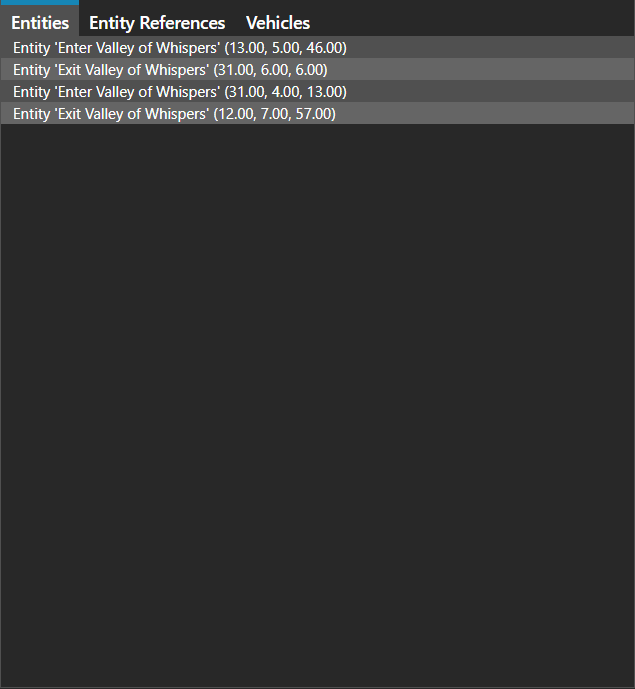
Tools pane
Entity mode places the things that act on a map, and it offers no drawing tools. Entities lists what is placed on the map, Entity References the definitions placed by reference, and Vehicles the vehicles. An Editor tab joins them once something is selected, and which of four editors it is depends on what that something is.
Lighting
Tools pane
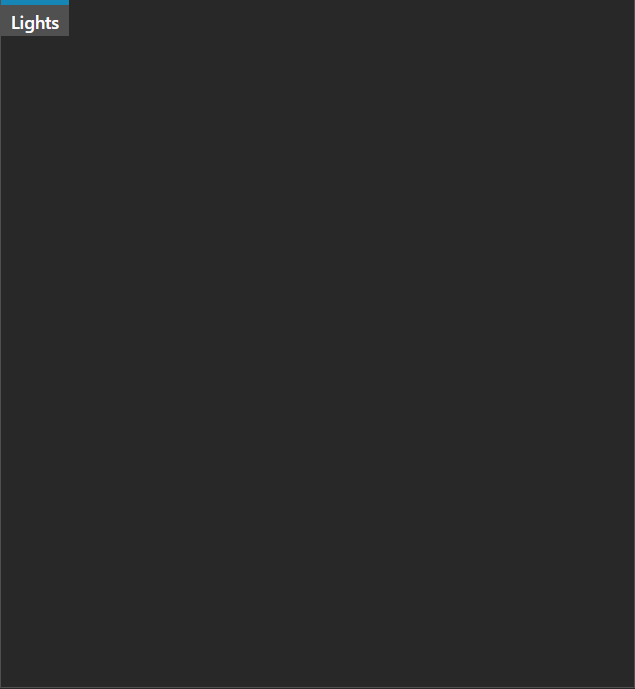
Lighting mode places the map's lights, and it offers no drawing tools. A single Lights tab lists them, empty here because this map has none. An Editor tab joins it once a light is selected.
Battles
Drawing tools
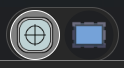
Battles mode marks out where battles happen. Its two drawing tools are not brushes but subjects, and they are the reason this mode behaves unlike the rest — the Tools pane follows the drawing tool rather than the mode, so choosing Focal Point or Region swaps the tabs beneath. It is also the only mode with no eraser.
Tools pane with Focal Point selected
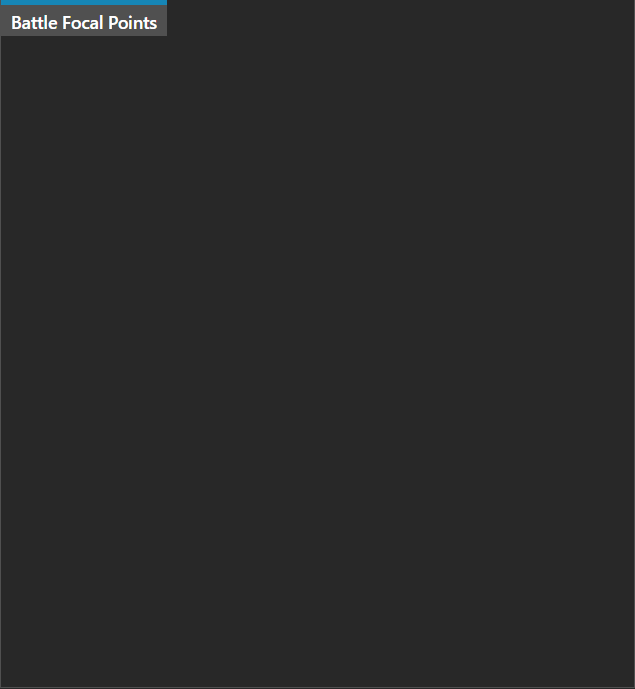
With Focal Point active the pane is a Battle Focal Points list, empty on this map.
Tools pane with Region selected
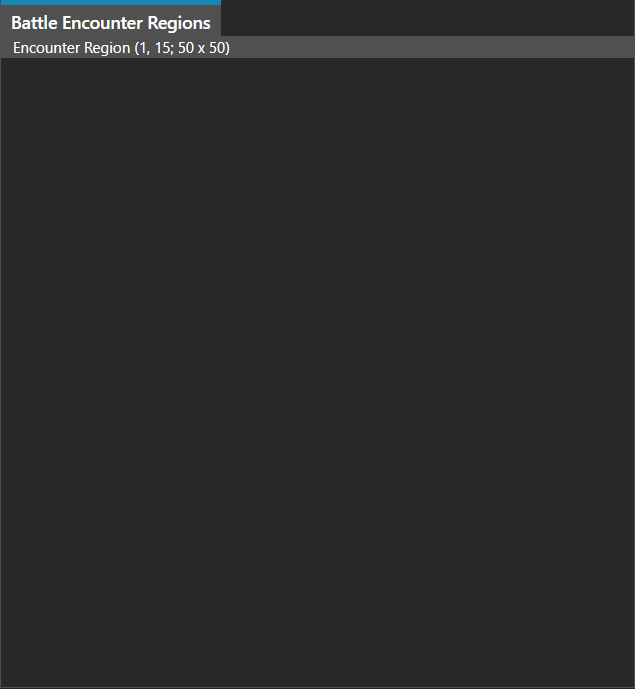
Switching to Region replaces that tab outright with Battle Encounter Regions, here holding one region. No other mode rebuilds its Tools pane from the drawing tool.
Note: Battles is the one mode whose Tools pane also follows the drawing tool: Region and Focal Point each bring in their own tabs.
Note: The Entity mode's Editor tab is one of four, and which appears depends on what is selected on the map - an entity instance, an entity reference, an entity, or a vehicle configuration.